Digtune for iOS
You own hundreds of albums, but you keep playing the same songs. Sound familiar?
Digtune is a music player for actually listening to the library you already have.
何百枚もアルバムを持っているのに、再生するのはいつも同じ曲。そんな経験、ありませんか?
Digtuneは、自分のライブラリをもう一度ちゃんと聴くための音楽プレーヤーです。
Features機能
Dig Mode
Digモード
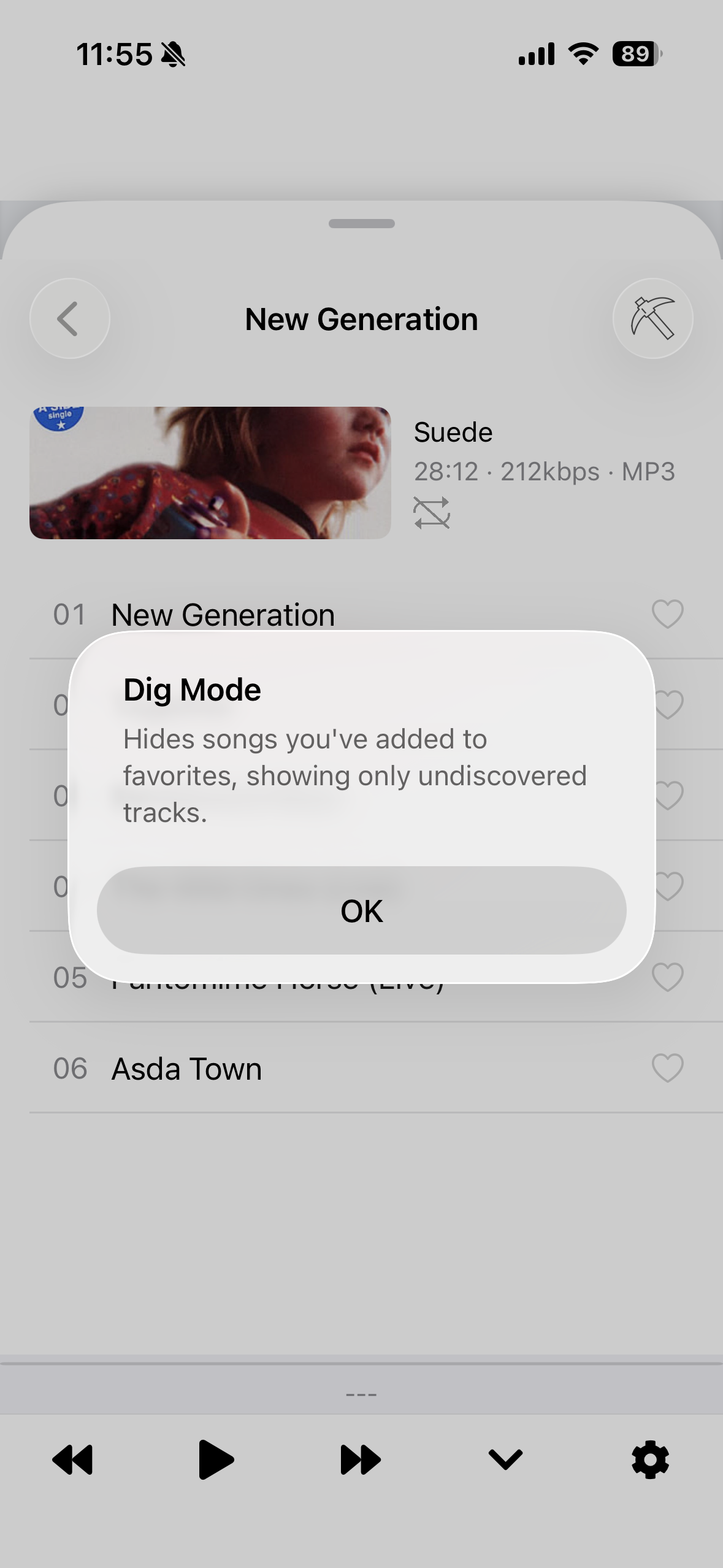
Hide the songs you've favorited and only show what's left. You'll be surprised how many tracks you've been skipping over without realizing it.
お気に入りに入れた曲を非表示にして、まだ聴き込んでいない曲だけを表示。「このアルバム、こんな曲あったんだ」という再発見がきっとあります。
Emoji Mode
絵文字モード
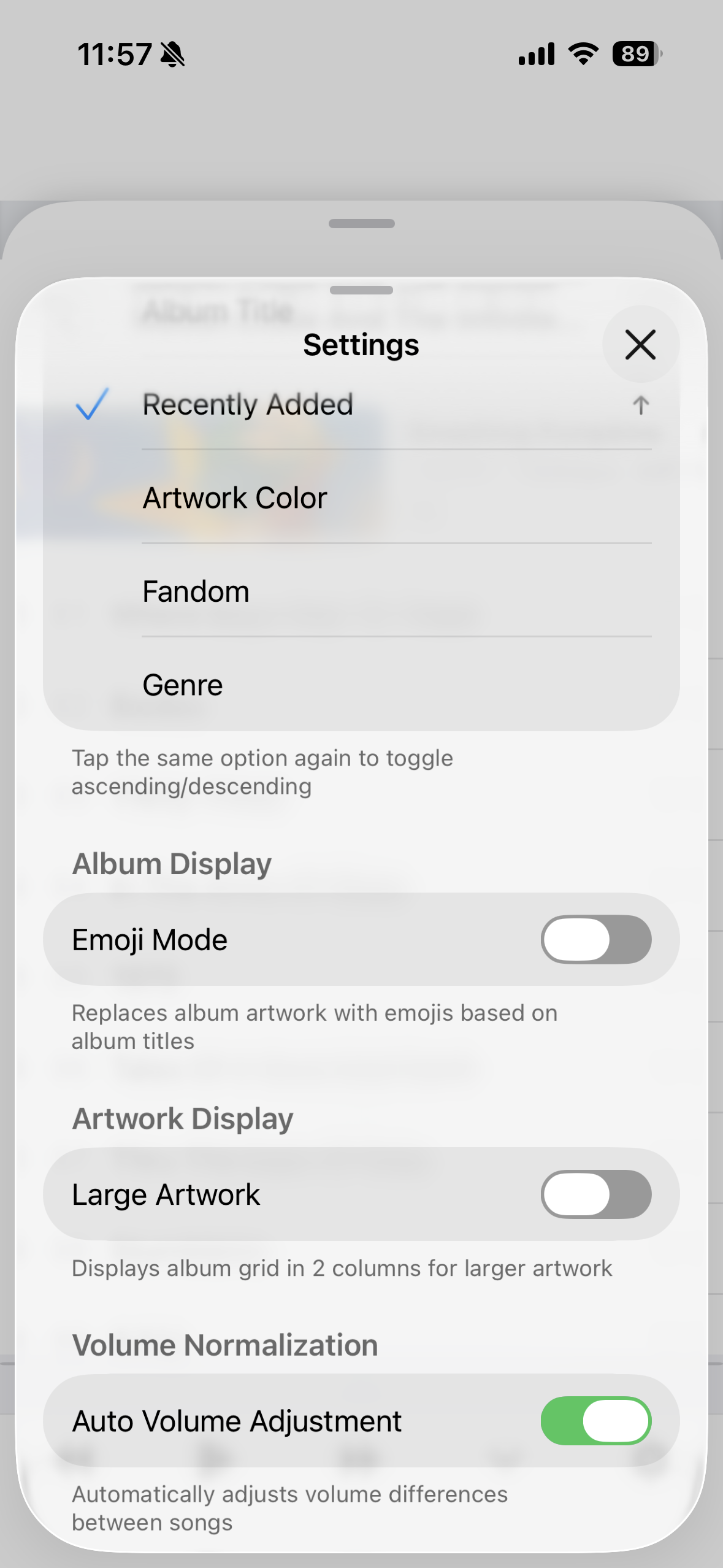
Album artwork gets replaced with emojis guessed from the title. Try to figure out which album is which — it's oddly addictive.
アートワークが絵文字に変わる、ちょっと変わった表示モード。タイトルから連想された絵文字でどのアルバムか当ててみてください。暇つぶしに最高です。
The joy of browsing artwork
アートワークを眺める楽しさ
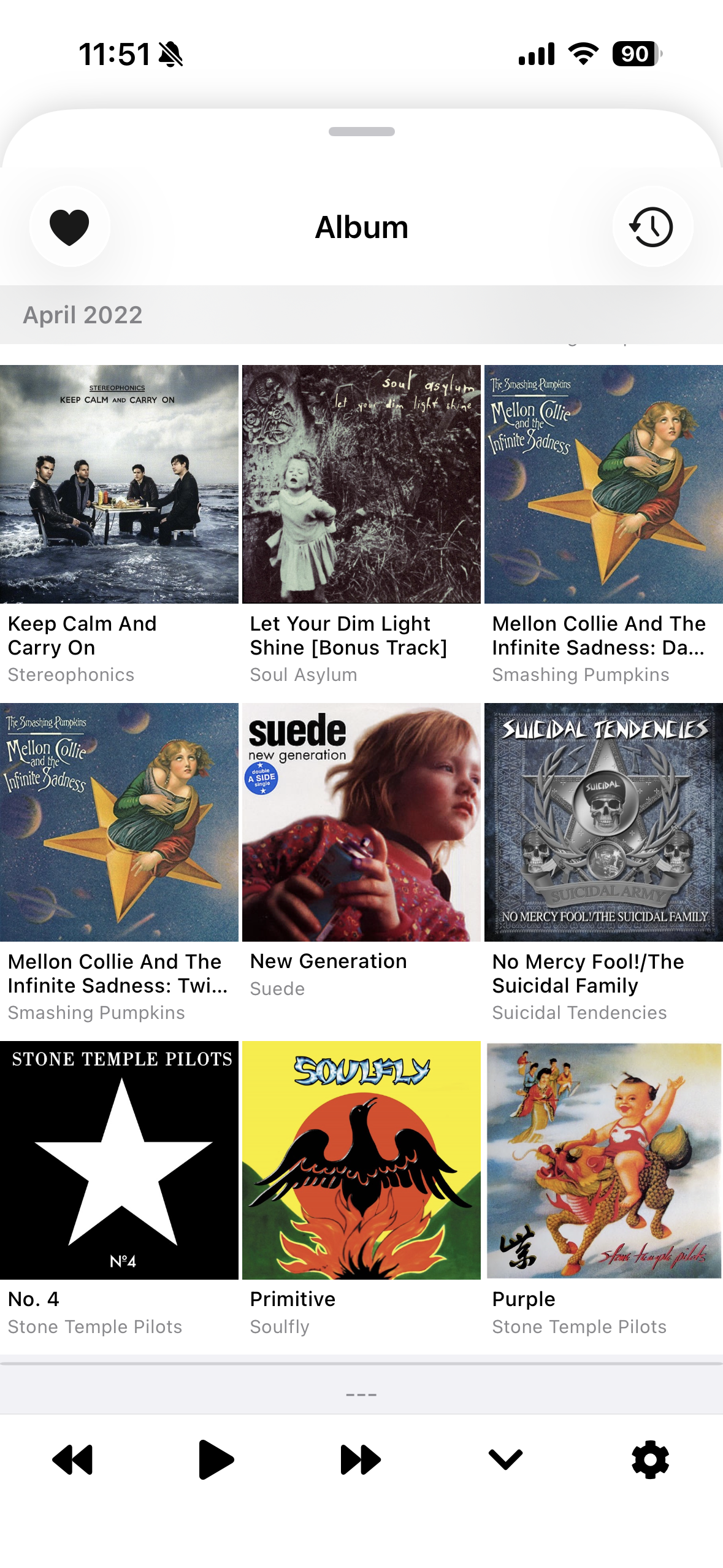
Grid view, 2-column large view, sort by artwork color. There's something satisfying about seeing all your album covers lined up. The more artwork you have, the better it looks.
グリッド一覧、2列の拡大表示、色順ソート。ジャケットが並ぶ眺めは、それだけで楽しい。アートワークが設定されたアルバムが多いほど、この気持ちよさは倍増します。
Read about artists while you listen
再生しながらアーティストを深掘り
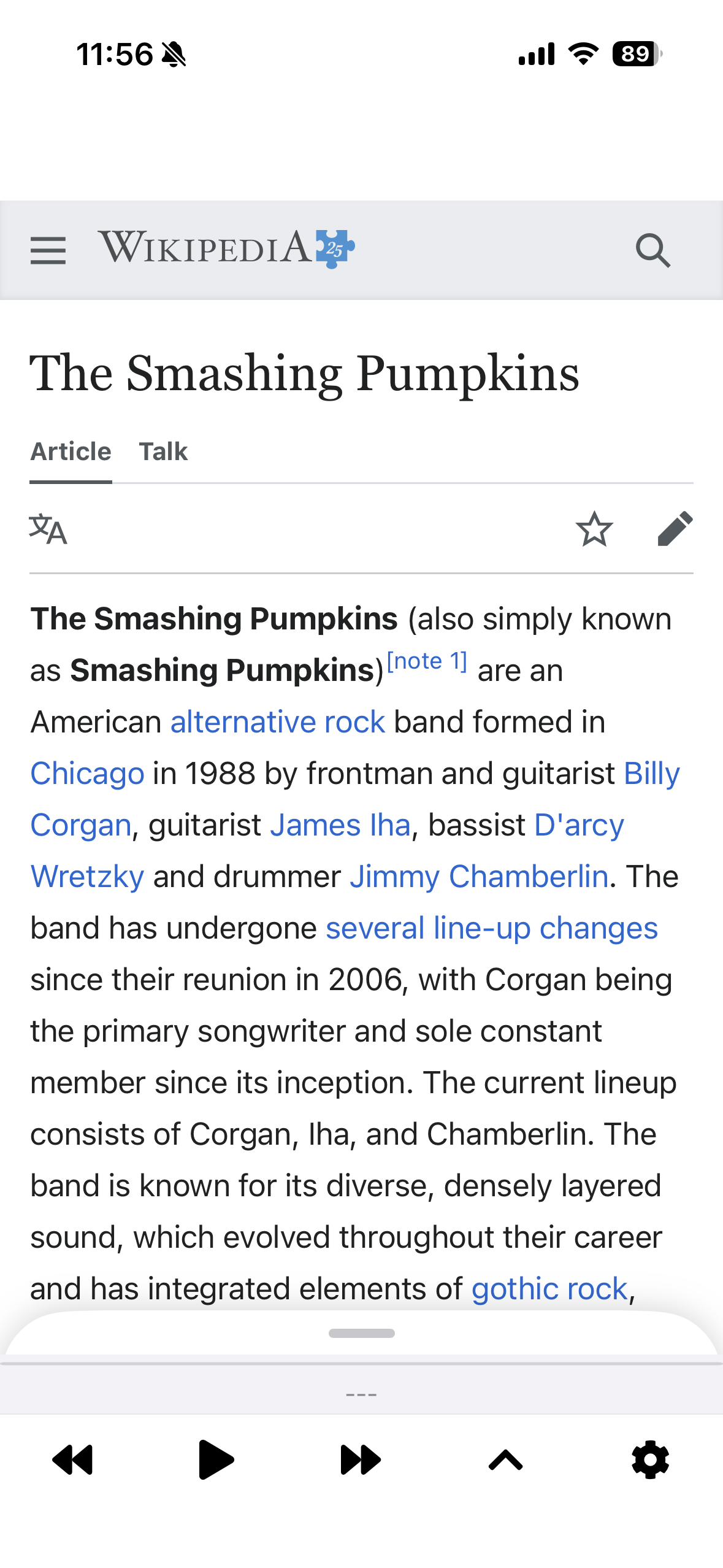
Pull up an artist's Wikipedia page right inside the app. No switching apps, no losing your place. Just listen and read.
気になったアーティストのWikipediaをアプリ内で表示。聴きながら読む、読みながら聴く。画面の切り替えは不要です。
And more
その他
- Favorites (tap ♡ to save, play anytime)
- Volume normalization (smooths out volume differences between tracks)
- Sort by kana, artist, artwork color, fandom level, and more
- お気に入り機能(♡で保存、すぐ再生)
- 音量ノーマライズ(曲ごとの音量差を自動で整える)
- 五十音順 / アーティスト順 / 色順 / 推し度順ソート
If your library is packed with music, Digtune is for you.
ライブラリに曲がたくさん入っているなら、Digtuneの出番です。
*Digtune does not support playback of DRM-protected tracks.
*DRM保護されたトラックの再生には対応していません。